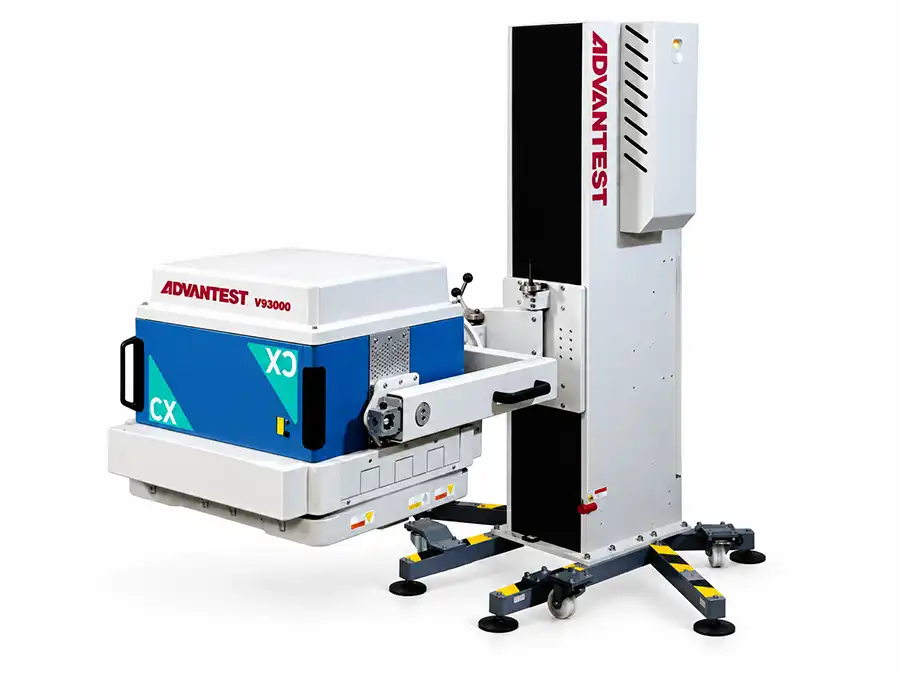
Before restarting a V93000 after a cooling alarm, record the original message, identify the affected cooling circuit and check for leakage, abnormal temperature and loss of cooling supply. Restart only after the cause has been addressed and the conditions required by the applicable service procedure are satisfied.
A reset may remove the message without correcting the condition that triggered it. Repeated restarts can also make an intermittent problem harder to investigate.
Identify Where the Alarm Originated
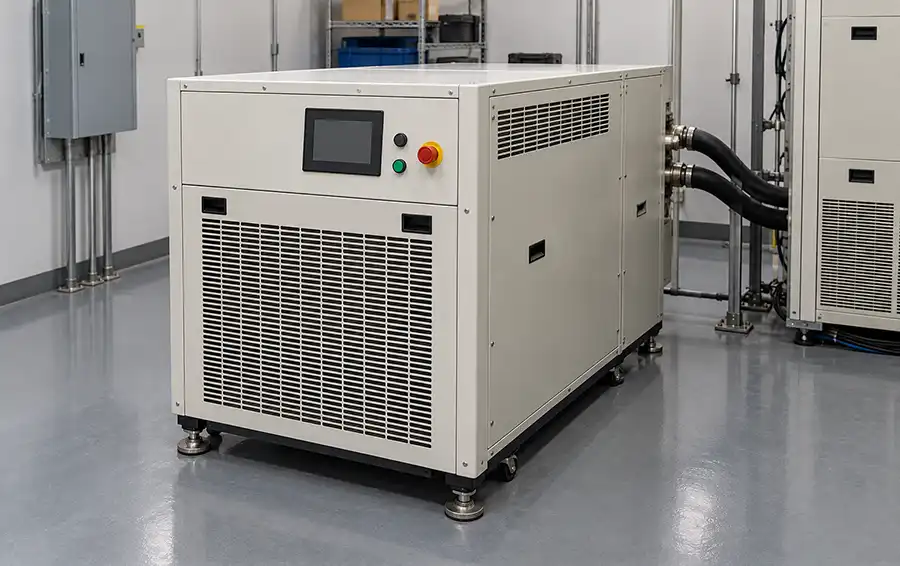
“Cooling alarm” may describe a message from the tester, the cooling unit or a facility monitoring system. These messages can be related, but they do not necessarily identify the same failed component.
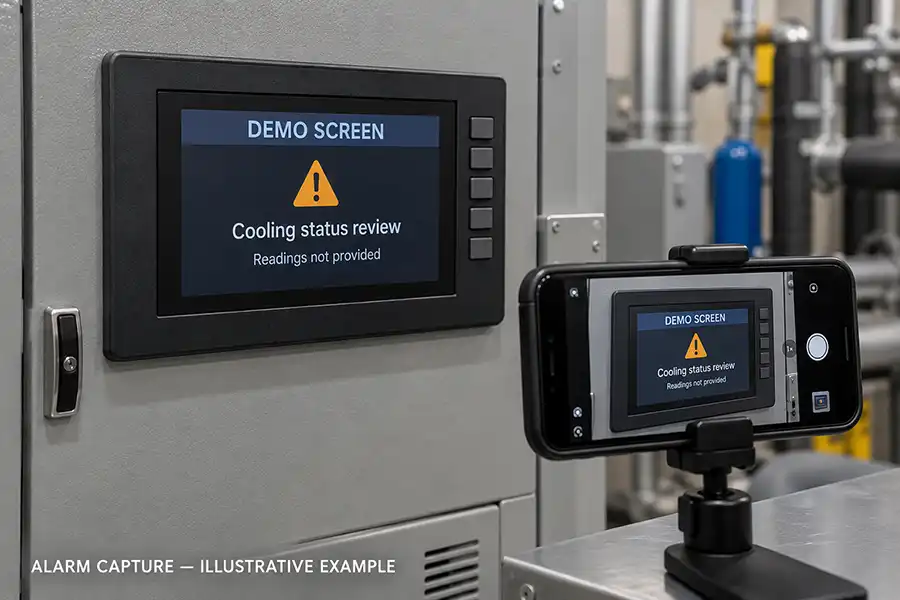
Record the complete alarm text and the equipment displaying it. If several messages appear, preserve their timestamps and sequence. A temperature alarm that follows an earlier cooling-supply interruption may be a consequence rather than the initial fault.
For a V93000 ATE system, identify the installed generation, test-head configuration and cooling-unit model before interpreting the alarm. Use the documentation for that installation rather than limits or reset instructions taken from another V93000 configuration.
| Reported condition | First question |
|---|---|
| High-temperature alarm | Which temperature is being measured, and what happened before it increased? |
| Low-flow or pressure-related alarm | Which circuit and measurement point does the message refer to? |
| Cooling unit not ready | What local alarm or readiness condition is preventing operation? |
| Tester cooling interlock | Which documented prerequisite is unsatisfied? |
| Missing or implausible reading | Is there a measurement, communication or actual cooling problem? |
These are symptom categories, not official V93000 alarm names or error-code definitions.
Preserve the Evidence Before Resetting
If it is safe to do so, capture the display and operating information before acknowledging or clearing the alarm.
Useful records include:
The first alarm and any subsequent messages.
Tester and cooling-unit operating status.
Displayed temperatures, flow or pressure readings, including units.
Whether the tester was idle, initializing or running a device program.
Elapsed time between startup and the alarm.
Recent maintenance, relocation or facility work.
Visible leakage, moisture, damaged hoses or unusual noise.
Do not delay a required shutdown to collect information. Where leakage, smoke, electrical abnormalities or unexpected mechanical noise is present, follow the site's shutdown and isolation procedure.
Check for Leakage and Condensation First
Inspect accessible areas without opening energized equipment. Look for moisture around hose connections, the cooling unit and the test-head area, as applicable to the installed configuration.
Water on the floor does not establish where a leak began. Moisture may travel along a hose or enclosure before becoming visible. Photograph its location before cleanup where safe, and have qualified personnel identify the source.
Condensation also requires attention. Surfaces below the surrounding air's dew point can collect moisture even when no hose has failed. Lowering the cooling setpoint without reviewing the approved operating conditions can create another problem.
Do not restart equipment with unexplained moisture near electrical assemblies. Drying the visible surface alone does not establish that the equipment is safe or that the cause has been corrected.
Separate Facility Cooling from the Equipment Circuit
Where the installation uses facility cooling and an equipment-side circulation loop, evaluate them separately. A normal reading on one side does not prove adequate cooling on the other.
The facility team should verify the relevant supply conditions against the installation requirements. The equipment technician should assess the cooling unit and its connected circuit under the corresponding service procedure.
| Area | Information to verify |
|---|---|
| Facility supply, where applicable | Availability, supply conditions and changes affecting other connected tools |
| Cooling unit | Local alarms, readiness status and permitted operating checks |
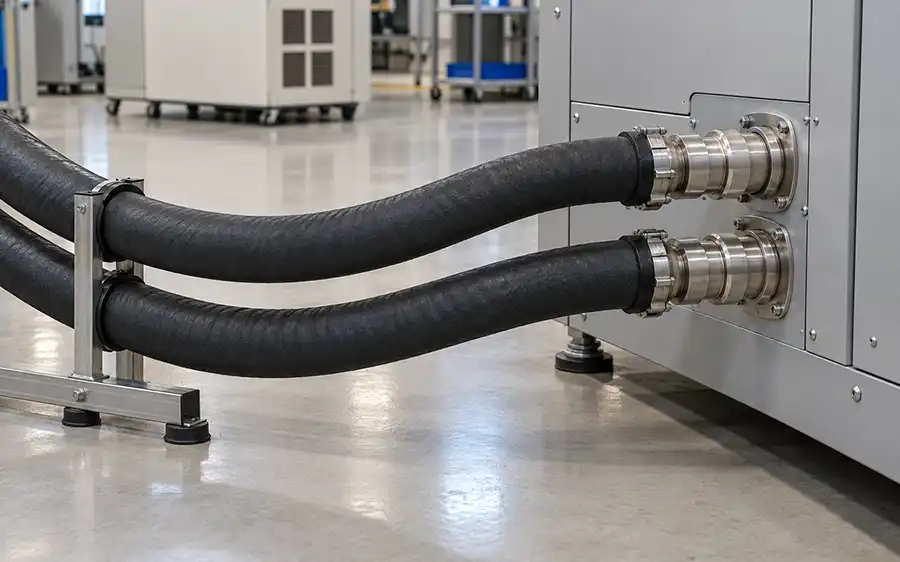
| External hoses and connections | Damage, kinks, leakage and changes made during maintenance or relocation |
| Heat removal | Whether the installed heat-rejection arrangement has the required supply and clearance |
| Monitoring and controls | Plausibility of readings and agreement with authorized verification methods |
Do not disconnect hoses, loosen fittings or open pressurized circuits as an exploratory check. Internal inspection, coolant handling and component replacement require the prescribed isolation and servicing procedures.
Use the Timing of the Alarm to Narrow the Investigation
When the alarm occurs can help define the next check. Timing is evidence, not a confirmed diagnosis.
Alarm Immediately After Startup
Review readiness conditions, cooling-unit status and recent changes to connections or configuration.
After a relocation, confirm that the installation has been recommissioned correctly. A hose connected to the wrong service, an incomplete connection or an unavailable facility supply should be investigated before suspecting an instrument card.
Alarm After Running for Some Time
Record operating duration, workload and cooling readings leading up to the alarm. Investigate whether heat removal remains adequate as the system reaches operating conditions.
A tester that runs successfully while idle may still have a cooling problem under load.
Alarm After Facility or Maintenance Work
Compare the current installation with the last known working arrangement. Relevant changes include facility shutdowns, hose replacement, cooling-unit service and alterations to the surrounding equipment layout.
Do not assume that restoring facility service automatically restores the equipment to its approved condition.
Intermittent Alarm with No Obvious Change
Correlate the event with other system messages and facility records. Qualified personnel may need to investigate unstable supply, circulation, monitoring or control conditions.
An intermittent alarm should not be dismissed simply because the displayed value has returned to normal.
Is It a Cooling Fault or a Sensor Problem?
An unexpected reading may come from a sensor or its signal path, but that conclusion requires verification.
For example, a sudden change in one displayed value may justify checking the measurement path. It does not justify bypassing the protection associated with that value.
Likewise, a running pump or a normal-looking display does not establish that the required cooling reaches every relevant part of the system.
Use authorized diagnostic methods to distinguish an actual cooling deficiency from a measurement or communication fault. Do not bridge interlocks, suppress alarms or alter protection thresholds to keep production running.
What Must Be Confirmed Before Restarting?
A restart decision should be based on the corrected condition and the applicable procedure, not solely on whether the alarm can be cleared.
Confirm that:
The original alarm has been identified and its likely cause assessed.
Required corrective work has been completed.
Leakage or condensation has been resolved, including any necessary electrical inspection.
Relevant facility and equipment cooling conditions meet the installation requirements.
Cooling-unit readiness and protective functions are normal.
Hoses, covers and serviced connections have been restored as required.
The authorized restart sequence and any required stabilization or verification checks can be completed.
There is no universal temperature, pressure, flow value or waiting period suitable for every V93000 installation. Use the specified limits and measurement locations for the actual equipment.
If the cause remains unknown, repeated resets are not a substitute for service assessment.
Verify Under Relevant Operating Conditions
After an authorized restart, monitor the system through the operating conditions associated with the original alarm.
Record the relevant readings and observe whether the cooling condition remains stable as the tester transitions from startup to normal operation. Where required, complete the applicable diagnostics and other checks before releasing the system to production.
Do not deliberately reproduce a suspected damaging condition. If the alarm returns, stop the verification according to the service procedure and preserve the new event information.
A successful startup alone is not sufficient evidence that an alarm previously occurring during extended production has been resolved.
Repair the Confirmed Fault, Not the Alarm Description
A cooling-related interruption does not automatically require a new cooling unit. Depending on the installation and findings, the corrective action may involve facility service, a connection, circulation hardware, monitoring components or another part of the cooling system.
Before ordering parts or arranging repair, identify:
The cooling-unit model and relevant component part number.
The failed function and the evidence supporting the diagnosis.
What is included in the proposed repair or replacement.
Compatibility with the installed system.
The post-service verification and acceptance requirements.
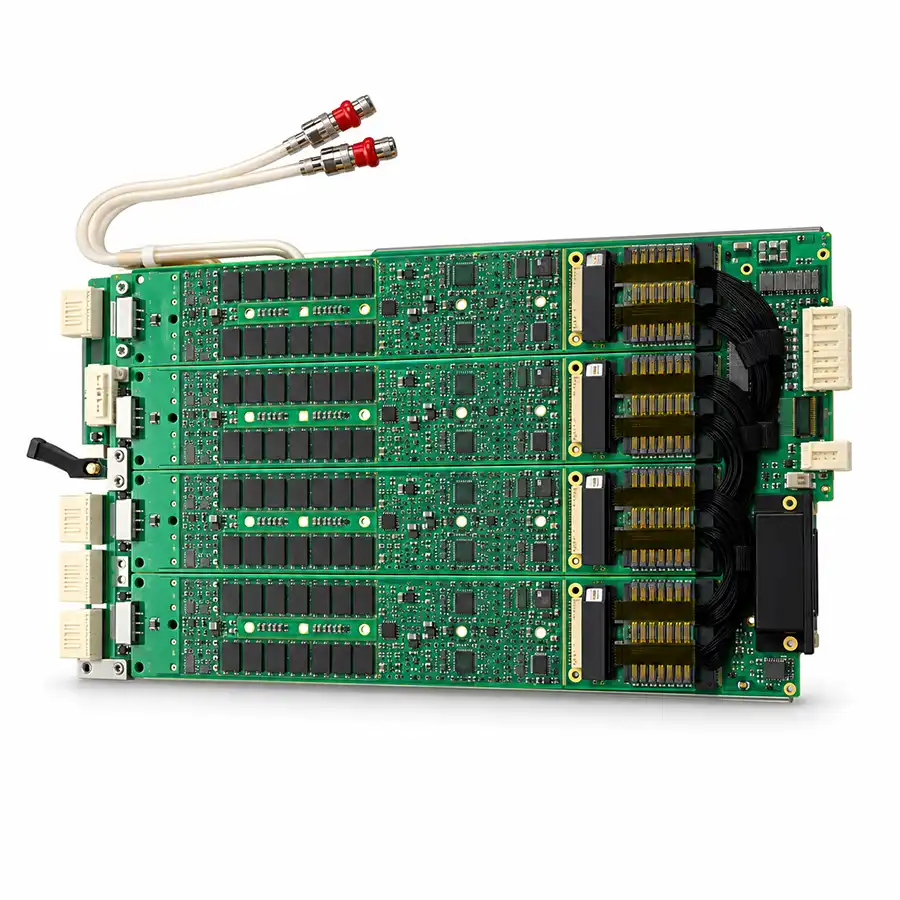
Instrument errors that appear after a cooling event should also be reviewed in context. Do not assume that every reported PS1600 or other instrument error proves permanent card damage. Equally, restored cooling does not prove that affected instruments require no further checks.
Request a V93000 Cooling-Fault Assessment
Send the complete alarm screenshots, cooling-unit identification, V93000 configuration