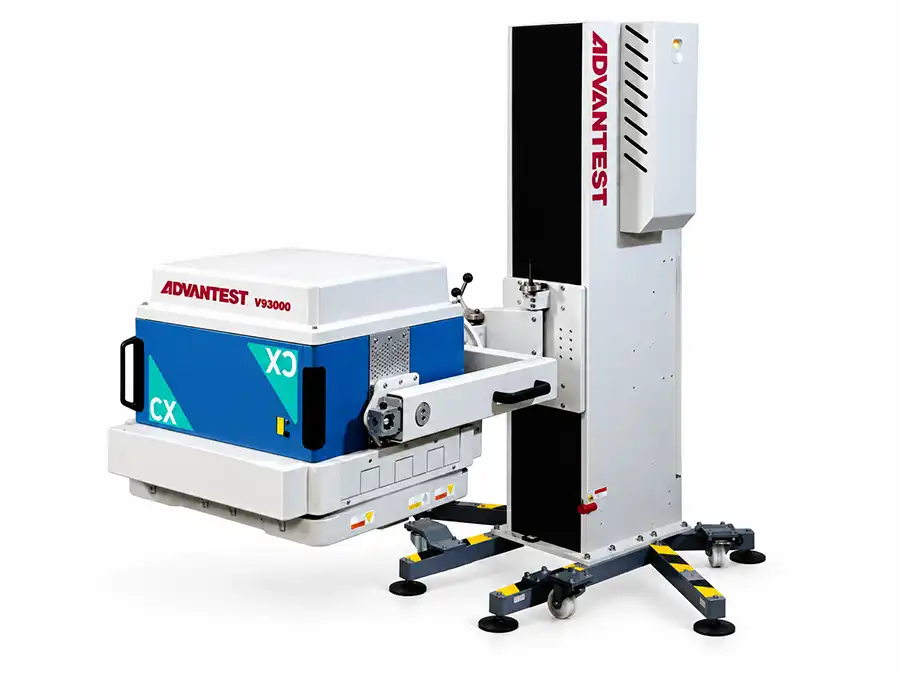
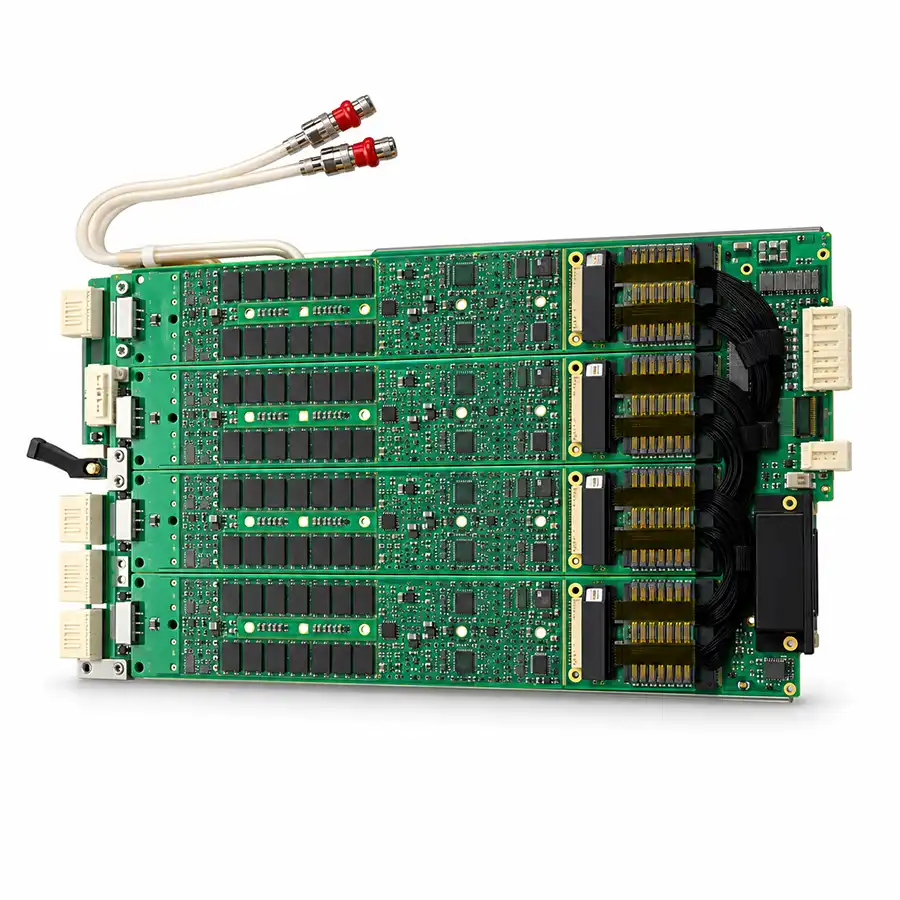
A V93000 PS1600 diagnostic failure indicates that a check did not complete successfully under the conditions in which it was run. It does not, by itself, prove that the PS1600 instrument is defective. First identify what the diagnostic tests, which external connections it includes and whether its required setup was correct.
The most useful distinction is between an instrument diagnostic failure and a device-test failure. Both may involve digital channels, but they provide different evidence.
First Identify What Actually Failed
“PS1600 failure” can describe several different situations:
| Reported problem | What to establish first |
|---|---|
| The instrument is not recognized | Whether initialization completed and the expected hardware configuration is present |
| An instrument diagnostic reports a failure | The routine name, failed subtest, resource location and required diagnostic setup |
| A production program reports digital failures | Whether continuity, contact, device condition or program settings explain the result |
| Calibration does not complete | The failed calibration stage, required accessories and applicable service procedure |
| Failures appear intermittently during production | Whether the pattern relates to time, temperature, docking, device site or a recent change |
A production fail bin is not a PS1600 diagnosis. Likewise, a calibration failure should not be treated as interchangeable with an instrument-recognition problem.
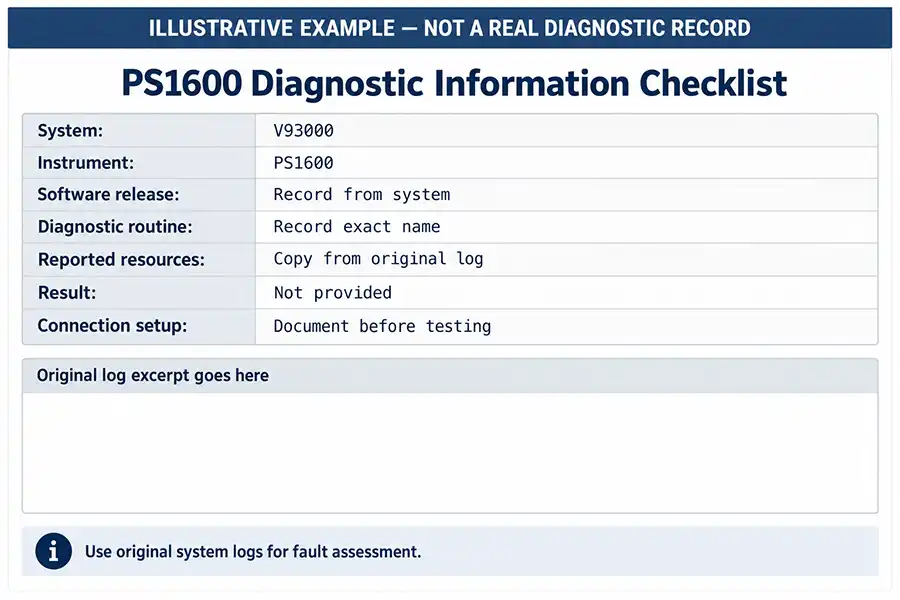
Save the complete result before restarting software or changing hardware. A cropped screenshot showing only “FAIL” often removes the information needed to identify the affected resource.
Does This Diagnostic Include the External Interface?
Before inspecting a socket or ordering a card, establish the boundary of the failed check.
Depending on the routine, a diagnostic may use internal test paths, specified diagnostic fixtures or external connections. The required setup determines whether the DUT board, socket or other production interface is relevant.
If a routine tests an internal instrument path and excludes the production interface, a worn production socket is not a sufficient explanation for that failure.
If the check includes an external path, the result may involve the instrument, connectors, fixture or other hardware within that path.
Use the documentation for the exact diagnostic and software release to confirm:
Which hardware must be connected or removed.
Whether a diagnostic board, fixture or termination is required.
The supported instrument and system configuration.
Preconditions for running the check.
How the reported resource names map to the installed hardware.
Do not assume that running the same routine with a different connection setup produces a comparable result.
Read the Failure Pattern Before Replacing Hardware
The location and repeatability of a failure help narrow the investigation. They do not replace a controlled diagnostic procedure.
| Observed pattern | Investigation priority | What it does not prove |
|---|---|---|
| The same instrument resource repeatedly fails a correctly configured diagnostic | Review the instrument and any shared dependencies included in that check | That a particular component on the board has failed |
| Several instruments fail or disappear together | Review shared power, control, cooling and configuration conditions | That every reported instrument needs replacement |
| Only one device site fails during production | Review that site's contact path, DUT board routing, device and assigned resources | That the PS1600 is healthy or defective |
| The symptom starts after a DUT-board or socket change | Review the changed interface and its setup | That timing alone establishes the cause |
| The symptom starts after an instrument replacement | Review part identity, installation, configuration and required calibration | That the replacement is necessarily faulty |
| Failures occur after extended operation | Record temperature, cooling alarms and elapsed operating time | That the problem is automatically thermal |
Also distinguish a device pin name from a physical tester channel. A failure that appears under the same device pin name may be mapped to different hardware resources in different programs.
Record both the logical pin or site and the physical instrument resource where the software provides that information.
When the Interface Deserves Closer Attention
Interface investigation becomes particularly relevant when internal diagnostics pass but production tests fail, or when a documented diagnostic includes the external path.
Potential areas include the DUT board, test socket, contactor, interface connectors and the applicable probe interface. Look for evidence such as:
Failures concentrated at one site or contact location.
Continuity problems that appear with a particular interface.
Visible contamination, worn contacts or damaged connectors.
A change in results after a documented interface replacement.
The same device behaving differently across verified test paths.
An internal diagnostic pass does not validate the entire production path. It also does not establish that every operating condition used by the customer program has been exercised.
Inspect or service contacts only under the applicable maintenance procedure. Avoid improvised cleaning, abrasive treatment or adjustments that can damage precision interfaces.
When a PS1600 Instrument Fault Becomes More Likely
The case for instrument repair becomes stronger when a correctly configured diagnostic repeatedly identifies the same instrument resource and relevant external causes have been excluded.
Where an authorized service procedure permits substitution, a verified compatible instrument can provide additional evidence. Keep the routine, connection setup, software and other relevant conditions controlled, and change one variable at a time.
If the failure consistently follows the suspect instrument under a valid comparison, that supports an instrument-level diagnosis. If it remains with the original system location, investigate the location and shared infrastructure.
Neither outcome should be interpreted in isolation. Installation quality, configuration changes and calibration requirements can affect the comparison.
Hardware substitution must be performed by qualified personnel using the prescribed shutdown, isolation, ESD and handling procedures. Do not hot-swap instruments or move a potentially damaged assembly into a working tester without first assessing the risk.
Do Not Overlook Configuration and Shared System Problems
A PS1600-related message can appear after work that changed more than the instrument itself.
Review whether the issue followed:
A SmarTest update or controller replacement.
Restoration of a system image or configuration backup.
Addition, removal or relocation of instrumentation.
Equipment transportation or reinstallation.
A power interruption or cooling alarm.
Compare the detected hardware with the expected configuration. Check that the installed software supports the hardware and that any required features are available.
If the message explicitly concerns software licensing, address it as a licensing issue. Replacing a PS1600 card will not resolve a failed license checkout.
What to Confirm Before Ordering a Replacement
PS1600 is an instrument-family designation. It is not a complete replacement specification.
A quotation should identify:
| Required detail | Why it matters |
|---|---|
| Original part number and revision | Establishes the requested hardware identity |
| Complete instrument or subassembly | Prevents purchasing a different assembly level |
| Target V93000 configuration | Provides the installation context |
| SmarTest version | Supports compatibility review |
| Condition and repair history | Clarifies what is being offered |
| Diagnostic evidence | Defines the checks actually completed |
| Included accessories | Avoids an incomplete replacement scope |
| Acceptance and return terms | Establishes how the supplied item will be evaluated |
“Removed from a working system” and “tested” are not equivalent descriptions. Ask which checks were performed, when they were performed and what results are available.
Verification After Repair or Replacement
Recognition by the system is an initial check, not final acceptance.
Follow the applicable diagnostic and calibration requirements for the intervention. Then verify operation with the relevant application and interface before returning the tester to production.
A useful acceptance record includes the instrument identity, system configuration, software release, diagnostic results, applicable calibration results and application-verification scope.
For an intermittent fault, the verification should address the conditions under which it occurred. A short successful startup may not reproduce a problem that previously appeared after hours of operation.
Send the Evidence Before Shipping the Instrument
For an initial repair or replacement assessment, prepare:
The complete diagnostic output and original error text.
The failed routine and reported instrument resources.
V93000 system details and SmarTest version.
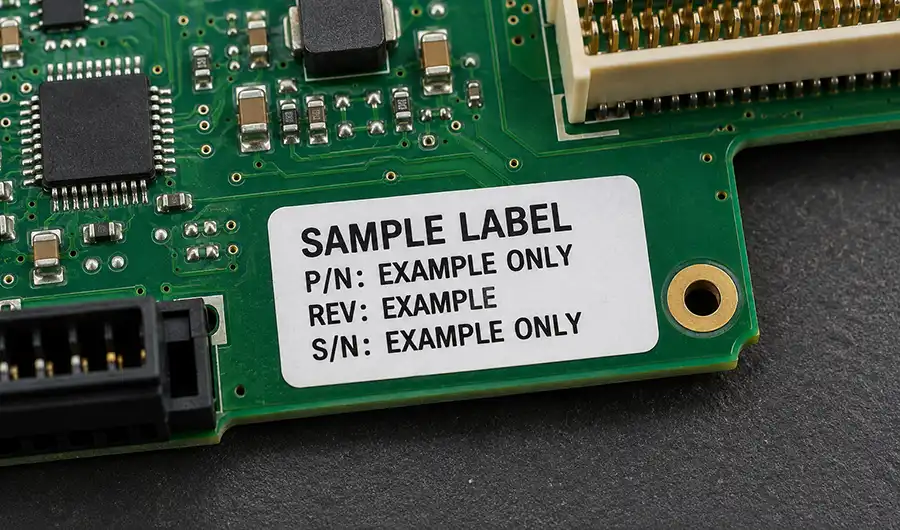
PS1600 part-number and revision photographs.
The diagnostic connection setup and accessories used.
A brief account of when the problem began.
Results of checks already completed and changes already made.
Share logs through an approved channel and remove confidential device-program information where necessary.
With this information, the next step can be defined more clearly: further system investigation, interface inspection, instrument repair assessment or replacement-part matching.
Send Your PS1600 Diagnostic Details on WhatsApp