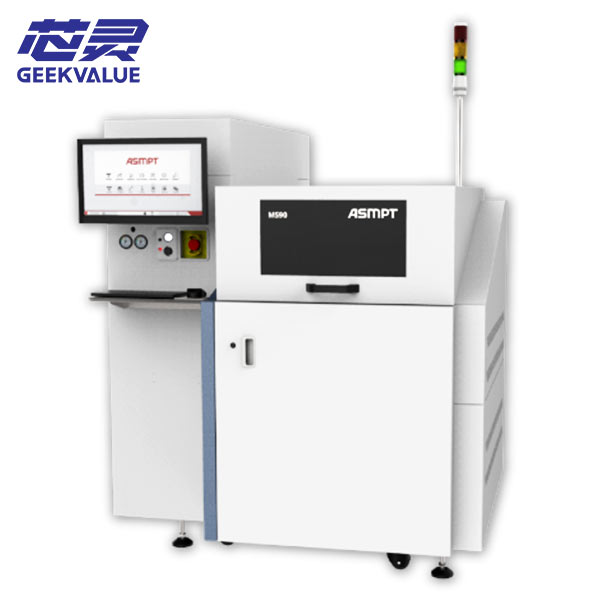
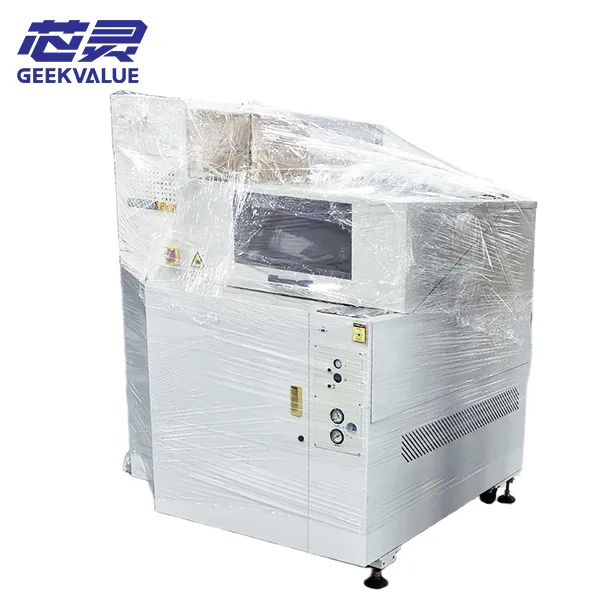
A used ASM MS90 or MS100 series die sorter is worth considering when its installed configuration matches your die, incoming carrier, sorting data, and required output format. Before buying, verify those requirements on the actual machine and agree on an acceptance test. A familiar model name or a successful demonstration with different material is not enough to confirm production suitability.
This matters when comparing MS90, MS100, MS100 Plus, and MS100 Plus II machines. Two units with similar descriptions may come with different tooling, software, accessories, and maintenance histories. Those differences can affect how much work remains before the machine can run your product.
The purchasing question is therefore practical: what must this particular machine do, what evidence shows that it can do it, and what is included in the quoted price?
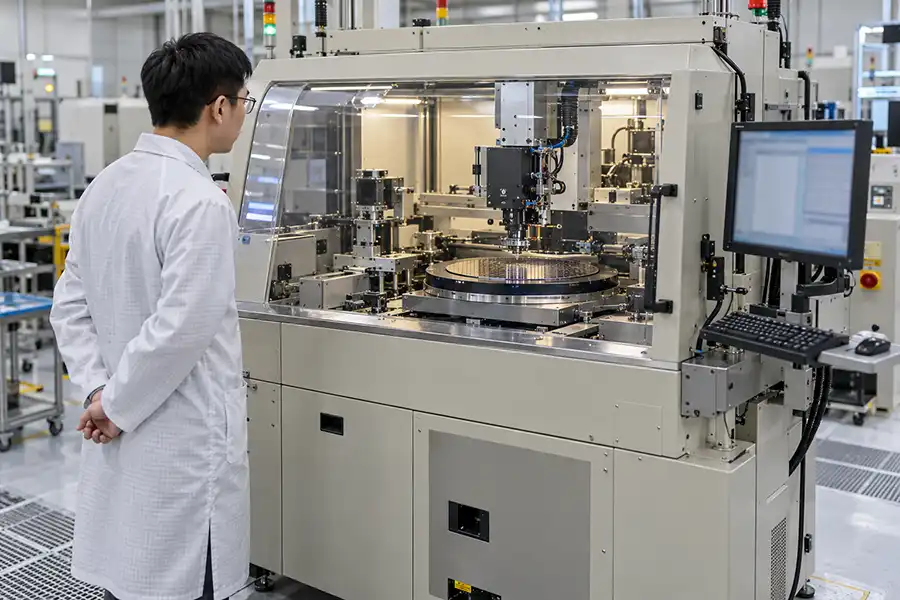
First, confirm that you need die sorting at this process step
Before comparing machines, define the operation you need to add.
Are you selecting dies according to an upstream wafer map? Separating different grades into designated output locations? Transferring dies into a format required for assembly? Or trying to increase the output of an existing sorting process?
These tasks can involve different handling, data, and output requirements.
| Your production requirement | What to establish before selecting a machine |
|---|---|
| Sort dies using upstream test results | How the machine receives the results and matches them to physical die positions |
| Separate dies into different grades | Required bin count, output arrangement, and identification method |
| Prepare dies for downstream assembly | Compatible input and output carriers, orientation, and placement requirements |
| Expand an existing sorting line | Compatibility with current tooling, recipes, software, and operating procedures |
| Reduce delays or stoppages | Whether the constraint is machine capacity, equipment condition, changeovers, or material flow |
Keep testing and sorting separate in the evaluation. A sorter that handles dies according to existing results does not automatically perform the electrical or optical measurements used to generate those results.
If your process requires testing during handling, establish the test hardware, interfaces, and software involved. Do not infer that capability from the word “sorter.”
For optical communications projects, the same distinction applies. A company assembling modules from finished devices may have no bare-die sorting requirement. A company handling unpackaged optical dies may need to evaluate sensitive surfaces, permitted contact areas, and material-specific handling risks before any candidate machine can be accepted.
Check die handling before comparing speed
Die dimensions are an important starting point, but length and width alone do not establish whether a machine can handle your product.
Provide the die thickness, incoming material condition, permitted contact areas, and limits for chipping, scratching, contamination, and placement error. Where relevant, explain any restrictions associated with coatings, active surfaces, or fragile structures.
The handling sequence needs to work as a whole:
The die must release reliably from its incoming carrier.
The pickup tool must contact an acceptable area.
The die must remain secure during movement.
Placement must meet the next process’s position and orientation requirements.
The die must remain within its agreed condition limits after handling.
A machine may pick up a die successfully while still leaving marks or damage that make it unsuitable for downstream assembly. Watching the mechanism move does not resolve that question.
Ask which pickup tools, ejector components, and handling settings are intended for your material. If different tooling is required, establish who supplies it, whether it is included, and how it will be validated.
For thin or fragile dies, agree on the inspection method before the trial. Visual inspection may identify obvious damage, but it may not be sufficient to assess every product-specific risk.

Verify the complete input-to-output path
A machine can run smoothly and still create a problem for the next process.
Start with the incoming material. Identify the carrier type, dimensions, die arrangement, pitch, and orientation. If dies are supplied on film, include the relevant film and release conditions in the evaluation.
Then define the output just as carefully.
“Place the dies into a tray” is not a complete requirement. The supplier needs to know the intended carrier specification, pocket layout where applicable, required orientation, placement criteria, and how downstream equipment will collect the dies.
The available output arrangement must be checked on the candidate machine. Do not assume that a carrier or output format can be accommodated because another unit in the same family uses it.
A useful question is:
Can the next process use the sorted output directly?
If operators must manually rearrange or transfer the dies after sorting, include that extra handling in the capacity and quality assessment. It may reduce the benefit of buying a faster machine and introduce another opportunity for damage or identification errors.
Make sure wafer-map data matches the physical dies
When sorting depends on upstream test results, correct data handling is as important as reliable mechanical movement.
The machine must associate each result with the correct physical die. Review the actual data format and mapping rules rather than relying on a general statement that the machine “supports wafer maps.”
Items to verify include:
File format and import method.
Coordinate origin and axis directions.
Wafer orientation and reference position.
Row and column indexing.
Bin definitions and their assigned output destinations.
Treatment of missing dies, skipped positions, and rejected dies.
Lot identification and required output records.
Some details may be stored in the map file, while others may be defined in the machine recipe or import settings. Check how they work together.
For example, an orientation mismatch can cause a machine to pick and place normally while selecting the wrong physical positions. A clean-looking demonstration would not necessarily reveal the error.
Include a mapping check in the acceptance test. Use known positions and known results to verify selection and output assignment. Where traceability is required, also confirm what records the installed system can retain or export.
What should you compare across MS90 and MS100 series machines?
Do not treat the model names as a complete specification.
The MS90, MS100, MS100 Plus, and MS100 Plus II designations help identify candidate equipment, but they do not establish the condition or installed capabilities of an individual used machine.
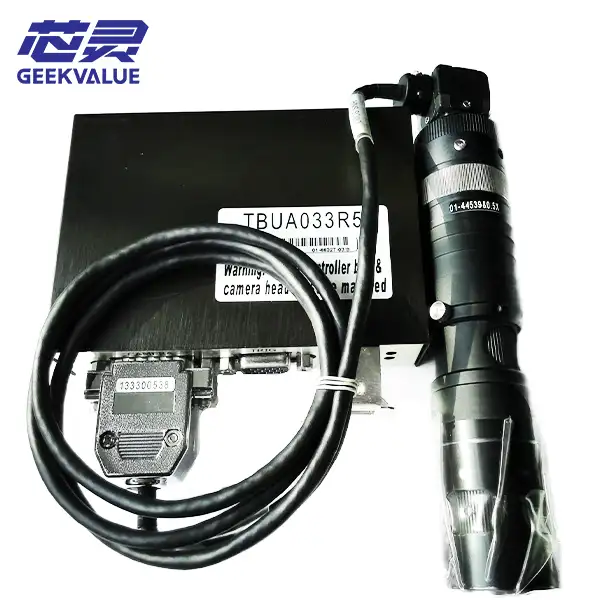
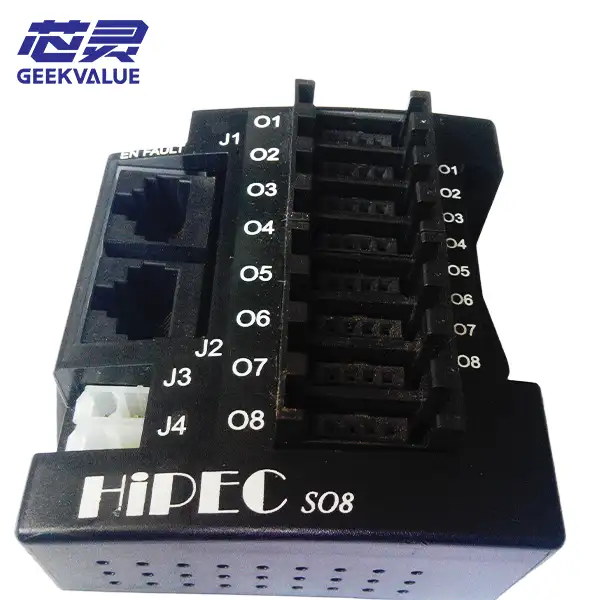
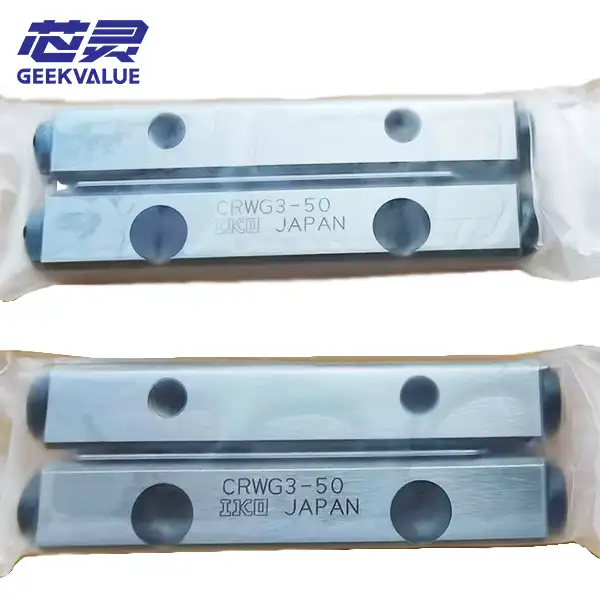
Browse our sorting and handling equipment listings to identify candidate machines, then confirm the installed configuration and delivery scope of each unit.
| Comparison item | Evidence to request |
|---|---|
| Machine identity | Nameplate, serial number, full model designation, and year of manufacture where documented |
| Handling configuration | Photos and details of the installed pickup, ejector, input, and output arrangements |
| Vision system | Installed cameras, optics, and functions relevant to your material |
| Software | Version, enabled functions, required access, and any applicable licensing conditions |
| Tooling and accessories | An itemized list of what is included and what must be supplied separately |
| Operating condition | Current alarms, known faults, maintenance records where available, and operating evidence |
| Production suitability | Results from agreed material and data checks |
| Delivery scope | Preparation, packing, installation, training, and support responsibilities |
A Plus or Plus II designation should not be used as a substitute for checking these items. If a supplier claims an advantage in handling, speed, vision, or software, ask which documented feature or installed option supports the claim.
Compare verified capability against your process requirements. Leave anything unsupported marked as unconfirmed until suitable evidence is available.
Adding another machine to an existing line still requires verification
If your factory already runs an MS90 or MS100 series machine, buying familiar equipment can reduce training and simplify some maintenance work.
However, a second unit may not match the machine already in production.
Its tooling may be different. Software functions may differ. Accessories used by the previous owner may be missing. Repairs or modifications may also have changed the configuration.
Use your current machine as a reference and identify what needs to remain compatible:
Product-contact tooling and change parts.
Input and output carriers.
Vision setup and recognition requirements.
Recipes and data-import settings.
Operating and maintenance procedures.
Spare parts relevant to the installed configuration.
Do not assume recipes can be transferred without checking software compatibility and machine setup. Establish what can be reused and what needs adjustment or revalidation.
If the purpose is urgent capacity expansion, this work should happen before purchase. Discovering incompatibilities after delivery can turn a straightforward expansion into a longer integration project.
What does a supplier’s demonstration video prove?
A video is useful when you know exactly what it shows.
It may establish that the machine powers up, that certain mechanisms operate, or that the unit can process the material shown. Its value depends on whether the filmed conditions are relevant to your purchase.
Ask:
Is this the exact machine being offered?
What material and tooling were used?
Does the video show the complete sorting sequence?
Was wafer-map data used, and was the result checked?
Were there stoppages or manual interventions outside the recorded segment?
How long did the machine run?
A short clip cannot establish every aspect of production readiness.
Where practical, test with your actual material and representative data. If substitute material is used, record the differences and identify which requirements remain unverified.
For example, a trial using thicker dies may provide some evidence of machine operation while leaving thin-die release and handling unresolved. Keep that distinction clear in the purchasing record.
Agree on acceptance criteria before the trial
“Machine runs normally” is too vague to serve as the only acceptance criterion.
A useful acceptance test should establish whether the machine performs the agreed task under defined conditions. It should address three separate questions.
1. Are the dies handled within specification?
Check successful pickup and placement, output position, orientation, and die condition.
Define how missed picks, dropped dies, placement errors, and handling damage will be identified and recorded. Use inspection methods appropriate to the product.
2. Is the sorting result correct?
Verify that the machine selects the intended dies and sends them to the correct destinations.
Check known map positions and bin assignments. If production requires identification or traceability records, inspect those records as part of the trial.
3. Is the operating performance acceptable?
Record elapsed time, correctly sorted output, stoppages, retries, rejected material, and manual interventions.
Agree on the trial duration and sample quantity before testing. The appropriate scope depends on the material, procurement stage, and production risk; there is no single trial length that proves suitability for every application.
Record unresolved items as well as successful results. This gives both sides a clear basis for deciding what must happen before shipment or final acceptance.
Compare usable output, not an isolated speed figure
A quoted die-per-hour figure is useful only when its test conditions are understood.
Material changes, replenishment, bin distribution, recognition retries, alarm recovery, and operator intervention can all affect delivered output. Performance achieved with one product may not carry over to another.
Ask whether the quoted figure describes a particular motion cycle, a short demonstration, or sustained sorting under stated conditions.
For your own evaluation, define the required number of correctly sorted, acceptable dies per shift. Then assess whether the machine can meet that target with your expected batch sizes, changeover frequency, and staffing.
A useful trial record includes both output and interruptions. Otherwise, a fast cycle can conceal time lost to repeated stoppages or manual recovery.
Compare the cost of reaching production
Two machines with similar asking prices may involve very different total costs.
One quotation may include the required tooling and agreed checks. Another may cover only the machine in its present condition.
Before comparing prices, separate the costs into four groups.
| Cost group | What to clarify |
|---|---|
| Equipment | Exact machine, installed configuration, known condition, and included accessories |
| Production preparation | Required tooling, replacement items, configuration work, and agreed checks |
| Delivery and integration | Packing, transport, installation, training, and trial-production support |
| Ongoing operation | Consumables, critical spares, maintenance requirements, and available repair support |
Ask for exclusions as well as inclusions.
If a required component is missing, establish whether it can be obtained, what it costs, and how it affects the schedule. When sourcing spare parts for ASM sorting equipment, provide the machine model, part number, revision, and clear photos so compatibility can be checked. An incomplete machine may still be a reasonable purchase, but the remaining work needs a credible plan.
For an urgent project, uncertain preparation time can matter as much as the purchase price.
When should you repair the existing machine or consider another option?
Adding equipment is not always the quickest way to increase output.
If your existing sorter loses time to recurring pick errors, vision problems, motion faults, or frequent recovery, investigate those losses before deciding that another machine is necessary.
A repair or configuration correction may recover useful capacity. In other cases, a second machine may still be justified after the current problem is understood.
Pause a proposed purchase when:
A critical handling requirement remains unverified.
Required tooling or software access has no confirmed supply path.
Sample handling does not meet agreed material-protection criteria.
Sorting accuracy or traceability requirements cannot be demonstrated.
Capacity depends on a modification that has not been validated.
The total cost or preparation schedule no longer fits the project.
At that point, compare repair, configuration changes, and alternative equipment against the same production target.
Common questions before buying
Is an MS100 Plus II automatically the best choice?
The designation alone does not establish the best fit. Compare the actual unit’s configuration, condition, software, tooling, and validation results with your requirements.
Can an MS90 or MS100 series machine handle optical communications dies?
Suitability needs to be evaluated for the specific die and process. Dimensions, thickness, sensitive surfaces, permitted contact areas, incoming carrier, and output requirements all matter. “Optical communications” is not a complete equipment specification.
Does die sorting include electrical or optical testing?
Do not assume it does. Sorting according to upstream results and performing the measurements that generate those results are separate capabilities. Confirm any required test hardware and integration independently.
Can we reuse tooling and recipes from our existing machine?
Possibly, but compatibility must be checked. Compare the installed mechanisms, software, vision setup, carriers, and product-contact tooling before planning a direct transfer.
Is a running video enough to approve a used machine?
It can support an initial assessment. Purchase approval should also consider machine identity, configuration, condition, sorting correctness, material handling, and the agreed acceptance results.
What if we cannot provide samples before purchase?
Provide drawings, carrier details, material restrictions, and representative data where possible. Agree on what can be checked with substitute material, what remains unverified, and how the remaining checks will be completed.
What to send Xinling for an equipment review
If you are evaluating an ASM MS90, MS100, MS100 Plus, or MS100 Plus II, send the information below so we can review your requirement against candidate equipment.
| Information | What to provide |
|---|---|
| Die details | Length, width, thickness, relevant surface features, and handling restrictions |
| Incoming material | Carrier specification, die arrangement, and clear photos |
| Required output | Carrier format, orientation, binning, and placement requirements |
| Sorting data | Representative file, mapping rules, and required traceability |
| Production target | Required output per shift, batch sizes, and changeover frequency |
| Existing equipment | Nameplate photo, installed configuration, and current production issues |
| Project timing | Required delivery date and planned production start |
If some details are unavailable, start with the machine nameplate, material photos, and a short description of the process. We can then identify the information needed for a more useful equipment assessment.
Xinling supplies used semiconductor equipment, parts, and repair services. Contact us through the WhatsApp link on our website with your model and production requirements. For an equipment purchase, ask us to confirm the proposed unit, included configuration, required preparation, and available validation scope. For an existing machine, include the fault description and any relevant alarm information so we can review the parts or repair requirement.